Bridge Your Tana: Complete
Your Tana knowledge, working everywhere
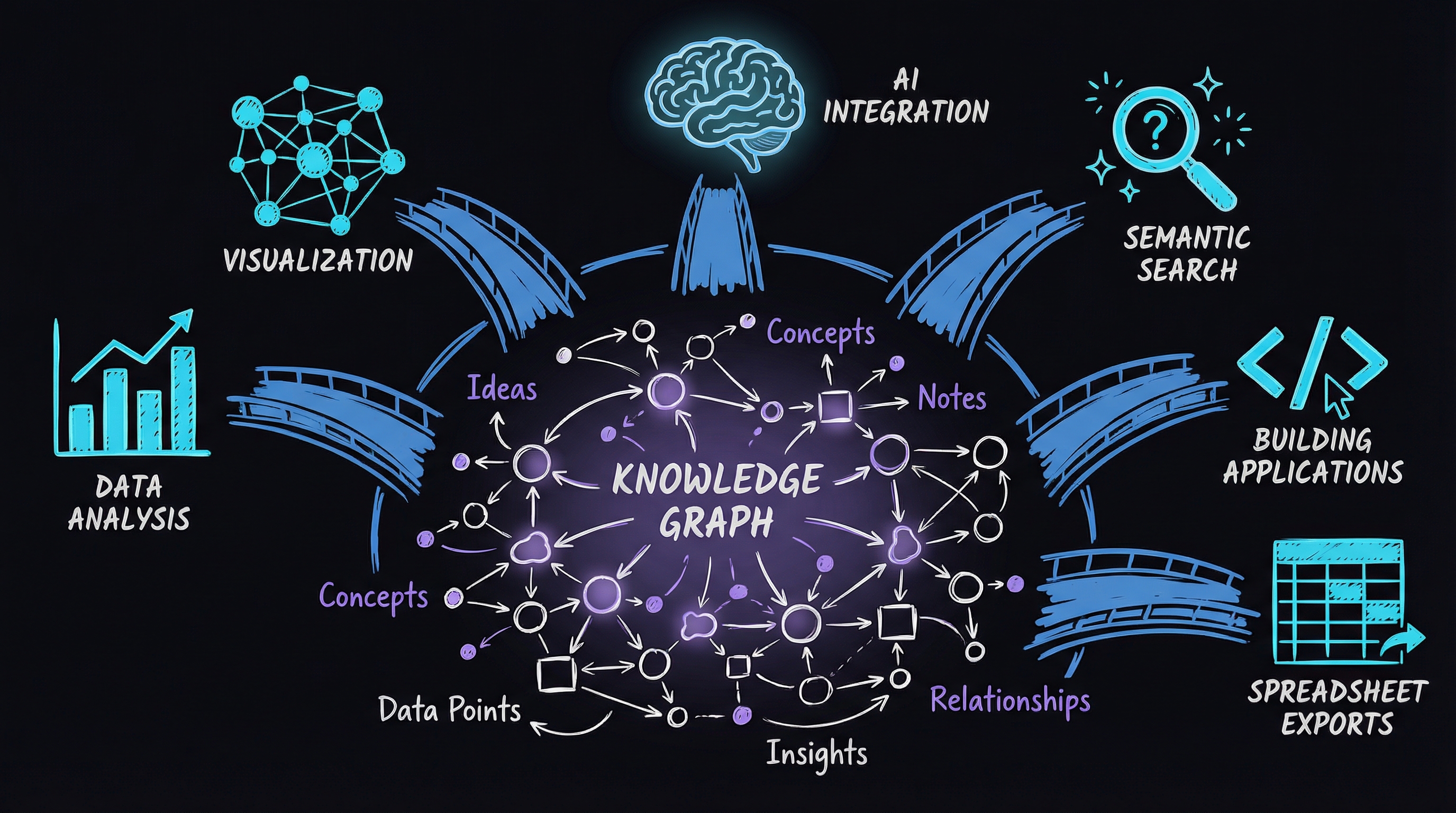
Go beyond backups. Analyze your data in spreadsheets, visualize your knowledge graph, connect AI assistants, enable semantic search, and build custom applications powered by your Tana knowledge.
33 lessons · 340 min total
What You'll Learn
- ✓ Query and analyze your Tana data with SQL-like power
- ✓ Export insights to spreadsheets and create visual knowledge maps
- ✓ Connect Claude, Cursor, or any MCP-compatible AI to your knowledge base
- ✓ Find notes by meaning, not just keywords, with local semantic search
Course Curriculum
Module 1: The Analysis Bridge (Intermediate)
Extract insights from your Tana data. Complex queries, date-based analysis, aggregations, and spreadsheet exports.
- 10 min
- 10 min
- 3 Aggregations & Grouping12 min
- 4 Aggregations & Grouping12 min
- 5 Export to Spreadsheet10 min
- 6 Output Formats10 min
- 7 Relationship Mapping10 min
- 8 Timeline Queries10 min
Module 2: The Visualization Bridge (Intermediate)
See your knowledge structure. Generate Mermaid diagrams, Graphviz graphs, interactive HTML, and 3D force visualizations.
- 10 min
- 2 Graphviz Output10 min
- 3 Interactive HTML Visualizations10 min
- 4 3D Force Graphs10 min
- 5 Sharing Your Structure10 min
Module 3: The AI Bridge (Advanced)
Connect Claude, ChatGPT, or Cursor to your Tana knowledge via Model Context Protocol. Ask your AI about your notes.
- 1 What is MCP?8 min
- 12 min
- 3 Your First AI Query10 min
- 4 The Complete Tool Set12 min
- 5 Practical AI Workflows10 min
Module 4: The Semantic Bridge (Advanced)
Find by meaning, not keywords. Set up local embeddings with Ollama and discover conceptually related content across your entire knowledge base.
- 1 Beyond Keywords10 min
- 2 Installing Ollama10 min
- 3 Generating Embeddings10 min
- 4 Semantic Queries10 min
- 5 Combining with AI10 min
Module 5: The Creation Bridge (Advanced)
Write to Tana from anywhere. Create nodes from scripts, batch import from JSON, and pipe content from RSS feeds, email, and APIs.
- 1 Creating Nodes10 min
- 2 Schema Sync10 min
- 3 Batch Creation10 min
- 4 Piping and Scripting10 min
- 5 External Sources10 min
Module 6: The Application Bridge (Advanced)
Use Tana as a data layer. Run an HTTP server, generate type-safe code, and build custom applications powered by your knowledge.
- 1 The HTTP Server10 min
- 2 Type-Safe Code Generation12 min
- 3 Building with Tana Data10 min
- 4 Integration Patterns12 min
- 5 Your Integration Idea10 min