You just explained your project to ChatGPT for the fifth time this week. Your client’s name, the deadline, the tone you need, the context behind the decision — all of it, again, from scratch. Every single conversation starts at zero.
Sound familiar?
This lesson is about why that happens, what it costs you, and what becomes possible when AI actually remembers who you are.
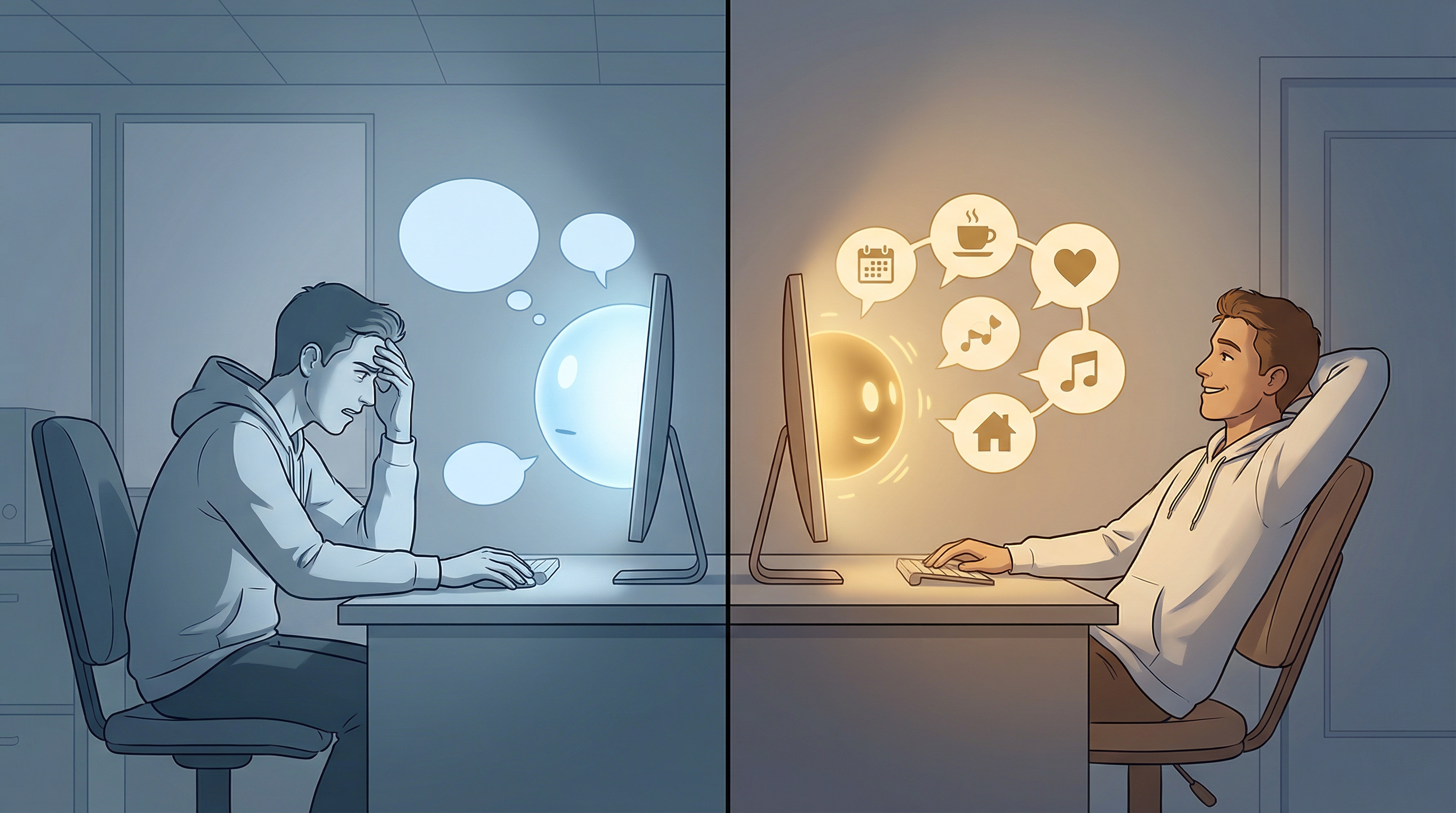
The goldfish has better memory than your AI
Here is an uncomfortable truth: that AI assistant you use every day has no idea who you are.
It does not know your name. It does not know what you do for a living. It does not remember the brilliant email you crafted together yesterday, or the project plan you spent an hour refining last Tuesday. Every time you open a new chat, you are talking to a stranger.
Imagine hiring a human assistant who shows up every morning with complete amnesia. “Hi, I’m your assistant! What’s your name? What do you do? What are we working on?” Every. Single. Day.
You would fire that person immediately.
And yet, that is exactly how most people use AI. They accept the amnesia as normal. They copy-paste context into every conversation. They re-explain their preferences, their projects, their standards — over and over and over again.
This is the goldfish problem. And it is costing you more than you realize.
What the goldfish problem actually costs you
Think about your last week of AI use. How many times did you re-explain your role (“I’m a marketing consultant who works with mid-size B2B companies…”), re-describe your tone (“Write it professionally but not stiffly, like a knowledgeable friend…”), re-provide context (“The client’s name is Meridian Corp, they’re in the healthcare space…”), or re-state your preferences (“Keep it under 200 words, use bullet points, no emojis…”)?
Each of those re-explanations takes 2 to 5 minutes. Do that five times a day, five days a week, and you are spending over two hours every week just getting AI back up to speed.
But the time cost is not even the worst part. The worst part is the quality cost.
When you are rushing to re-explain context, you leave things out. You forget to mention that the client hates jargon, or that the report needs a German-language executive summary, or that your boss prefers charts over tables. So the AI produces something generic. You fix it manually. And you start wondering whether AI is really saving you any time at all.
The black box problem
But there is a second problem. And it might be even bigger.
Open any AI chatbot. Type a request. Something comes out. If it is good, great. If it is bad… what do you do? You rephrase. You try again. You copy a “better prompt” from the internet. You poke at the machine and hope the next output is better.
This is how most people use AI. The tool is a black box. Something goes in, something comes out, and you have no idea what happened in between. When it works, it feels like magic. When it does not, it feels like a lottery.
And here is the thing: most AI tools are designed this way on purpose. They want the experience to feel effortless. Just type and get an answer. No setup, no configuration, no understanding required. Like a vending machine for text.
That sounds appealing. It is also a trap.
Because when you do not understand what is happening, you cannot improve it. You cannot tell the AI why it got something wrong. You cannot adjust the system to match your standards. You cannot build on last week’s success because you do not know what caused it. Every interaction is a roll of the dice.
The goldfish problem means AI does not remember you. The black box problem means you do not understand AI. This course fixes both.
What changes when AI remembers
Now imagine something different.
You open your laptop on Monday morning. You start your AI assistant. And it already knows your name, your role, your current projects, your writing style, your client list, your pet peeves, and the quality bar you hold everything to.
You do not explain any of this. You just say: “Draft the weekly update for the Meridian project.”
And the result comes back in your voice, with the right context, following your standards, formatted the way you like it. Not because the AI is magic, but because you taught it — once — and it remembered.
That is the difference between generic AI and personal AI.
Generic AI is a stranger you brief every morning. Personal AI is a trusted colleague who has been with you for months. They know your rhythm, your standards, your shortcuts, and your blind spots.
This course takes a different approach
Most AI products want you to believe it is simple. Just type. Just ask. Just let the magic happen. And for basic questions, that works fine. But for the work that defines your career — proposals, strategies, communications, decisions — “just type and hope” is not good enough.
This course is deliberately different. You will not just use AI. You will understand it. Not the neural networks and training data — that is for researchers. The practical system: what Claude sees when you talk to it, why it responds the way it does, and how your inputs shape its output.
When something works, you will know why. When something does not, you will know where to look. When you want to change how Claude responds, you will know which lever to pull. You are not poking at a black box. You are designing a system you understand and control.
No code, no programming, no technical background required. What you will actually do: have conversations with an AI called Claude, describe what you want in plain language, understand what Claude sees and how your inputs shape its behavior, and gradually build a system you design and control — not a black box you hope works.
Think of it as the difference between renting a car and owning one. A rental gets you from A to B. But you cannot adjust the seat memory, you cannot set your preferred radio stations, and every time you get a new one, you start over. Your own car is configured for you, remembers your settings, and gets more comfortable the longer you drive it. This course puts you in the driver’s seat.
Where these ideas come from
This course did not emerge from theory. It was inspired by a real system.
Daniel Miessler, a security researcher and prolific AI practitioner, built an open-source project called PAI — Personal AI Infrastructure. His system does everything this course teaches and more: dozens of skills, automations that run in the background, connections to external tools, a routing system that loads the right capability at the right time. It is one of the most sophisticated personal AI setups in existence.
But here is the thing about PAI: it is built by someone who lives in code. If you look at his setup, you will see TypeScript, shell scripts, configuration files, and deeply technical architecture. Brilliant — but intimidating if you are not a developer.
This course is inspired by the principles behind PAI, made accessible to everyone. You will not write code. You will not need a technical background. But you will understand the same core ideas: teaching AI who you are, building reusable skills, organizing your system, and embedding your standards into how your AI behaves.
To be clear: this course does not teach you to build PAI. That is a developer project for people who live in code. Instead, you will use Claude Code’s built-in features — instructions files, automations, reusable skills (structured processes you teach Claude once and invoke by name), and tool connections — to create your own personal AI system through nothing but conversation. The destination is yours, not a copy of someone else’s.
The promise
By the end of this course, you will have an AI assistant that:
- Knows your context — your projects and clients
- Matches your style — writes the way you write
- Follows your standards — automatically applies your quality bar
- Grows with you — learns more about you as you use it
No more re-explaining.
It is. You just have not set it up properly yet.
That is about to change.
Embedded question
Take a moment and think about this honestly:
“What frustrates you most about your current AI use?”
Is it the re-explaining? The generic tone? The feeling that AI output needs so much editing it barely saves time? Something else entirely?
Hold on to that answer. It is your personal motivation for everything that comes next.
Checkpoint
Before moving on, verify:
- You can describe the “goldfish problem” in your own words
- You understand the difference between generic AI and personal AI
- You have identified at least one frustration with how you currently use AI
- You feel motivated to change that — even if you are not yet sure how
What’s next
Now that you see the problem clearly, the next lesson paints a picture of the solution. What does a day actually look like when your AI knows you? You might be surprised by how much changes.